Actionbound Help
Find step-by-step guides and answers to your questions about Actionbound.
Danger zone
The Danger zone does not bear its name without good reason. Here you have the possibility to duplicate your Bound, to change the title and even to delete the Bound.
Important changes that are therefore specially marked and require several clicks to be carried out. For the sake of security.
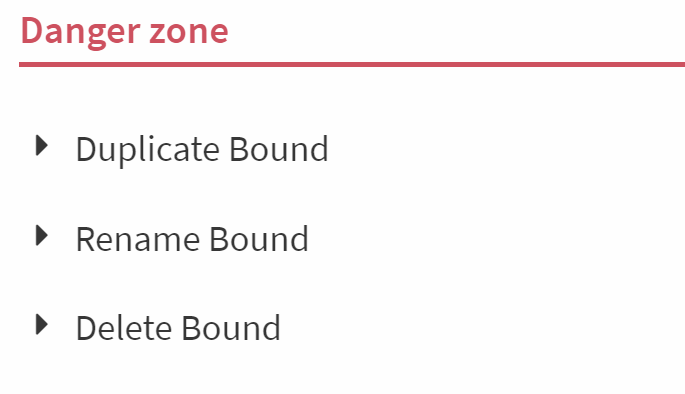
Duplicate Bound
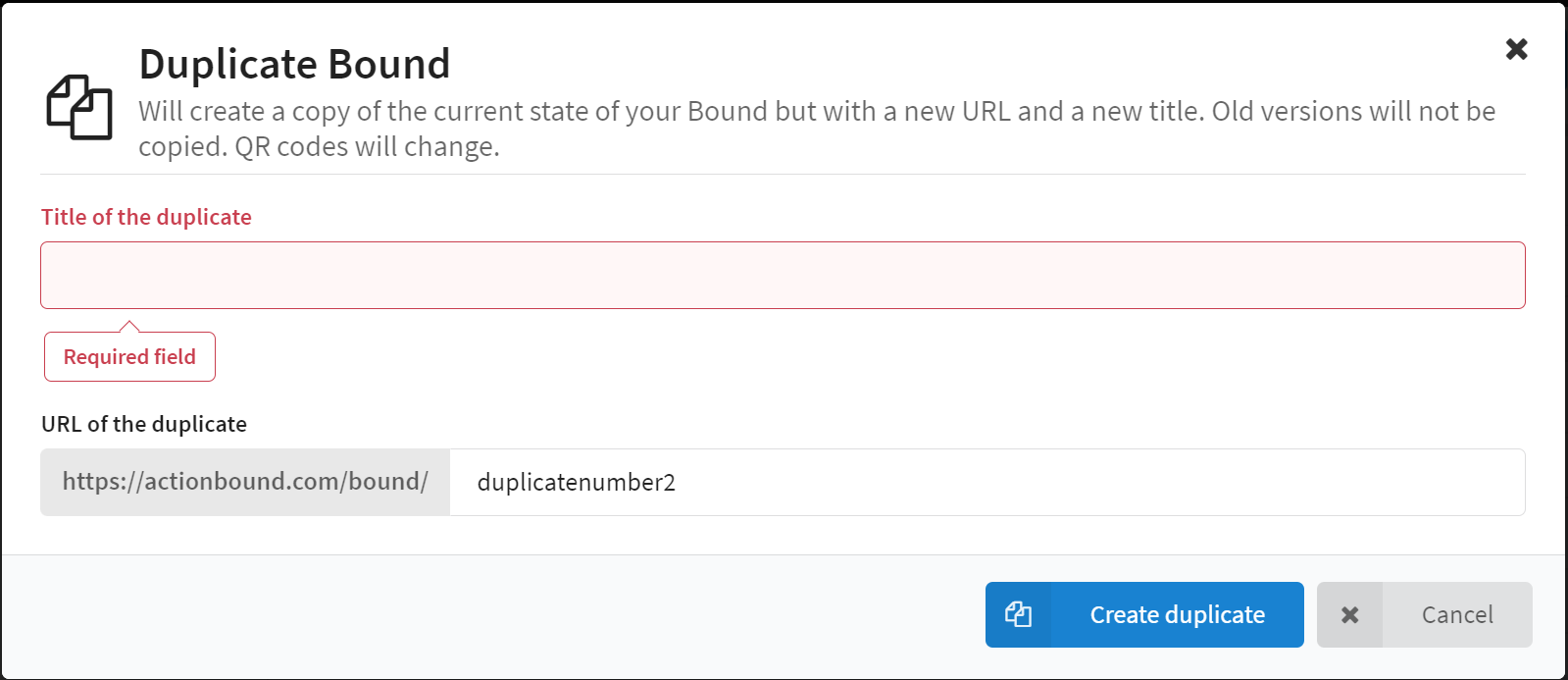
You create a duplicate of your Bound by selecting Duplicate Bound, clicking Create duplicate and specifying a new Title and a new URL for the copy.
A new Bound will now be created with the same content. The new Bound has its own start QR code.
Rename Bound
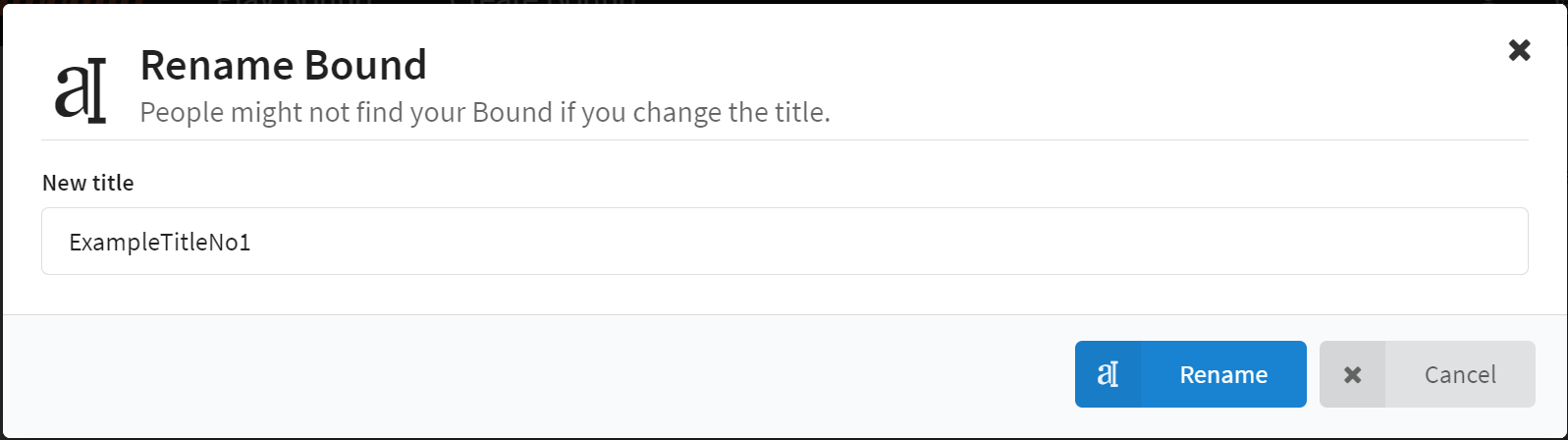
When you select Rename Bound and click Rename, the window for giving a new title opens.
Delete Bound
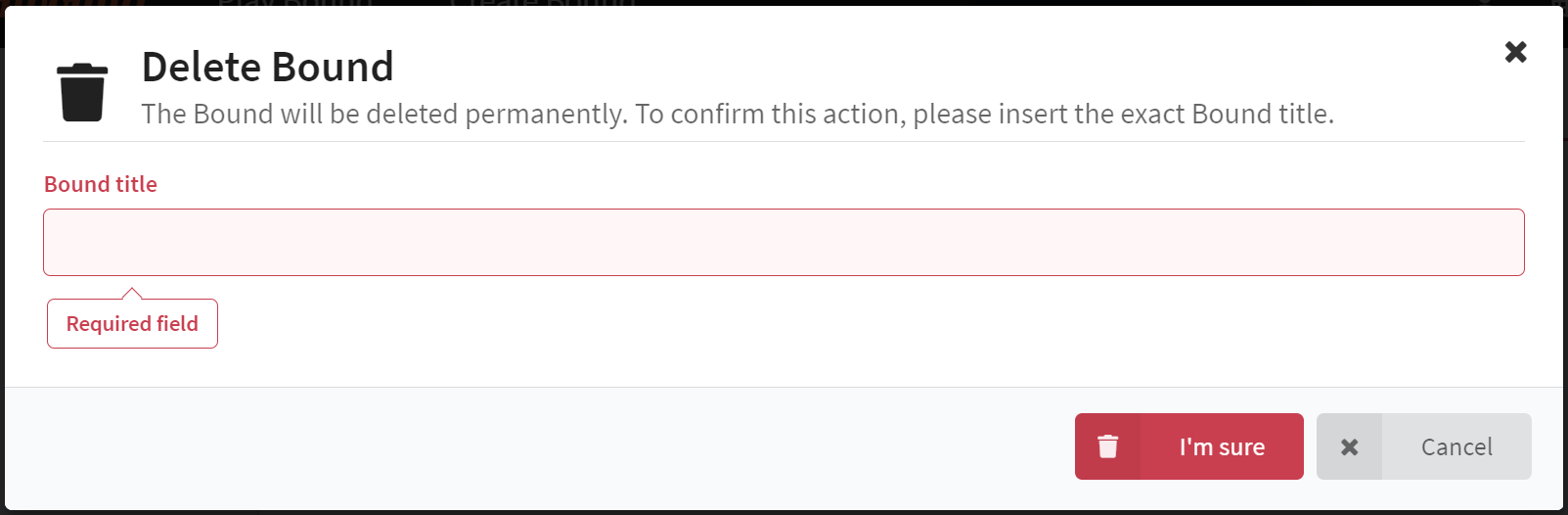
If you want to delete your Bound, select Delete Bound, click on Delete permanently and then enter the current Title of the Bound. The Bound will be irreversibly deleted.
Application options
- If you do not know at the beginning of your project what the Bound will be called later, you can first give it a provisional working title and then adapt it later in the danger zone.
- A Bound Duplicate is useful, for example, if you want to
- offer several Bounds with the same content and only want to change a few details, e.g. a school building rally for different classes.
- you want to change the URL of a Bound.
- you want to create a backup for a complex Bound, e.g. with many switches.
Caution!
When duplicating the Bound, an exact copy of the current state of the Bound is created with a different title, URL and start QR code. Old versions are not available in the copy, i.e. only the current version is available under "Publish", older versions are not adopted.
In addition, the QR codes of the elements Scan code change. Codes and materials already printed will no longer work for the duplicate.
If the title of the Bound is changed, the Bound may no longer be found. Make sure that your target group can find the Bound.
Start your Adventure today
Create mobile adventures and interactive guides for smartphones and tablets. Take people on real-world treasure hunts and guided walks.
Start your free trialSite map
- App Store (iOS)
- Play Store (Android)